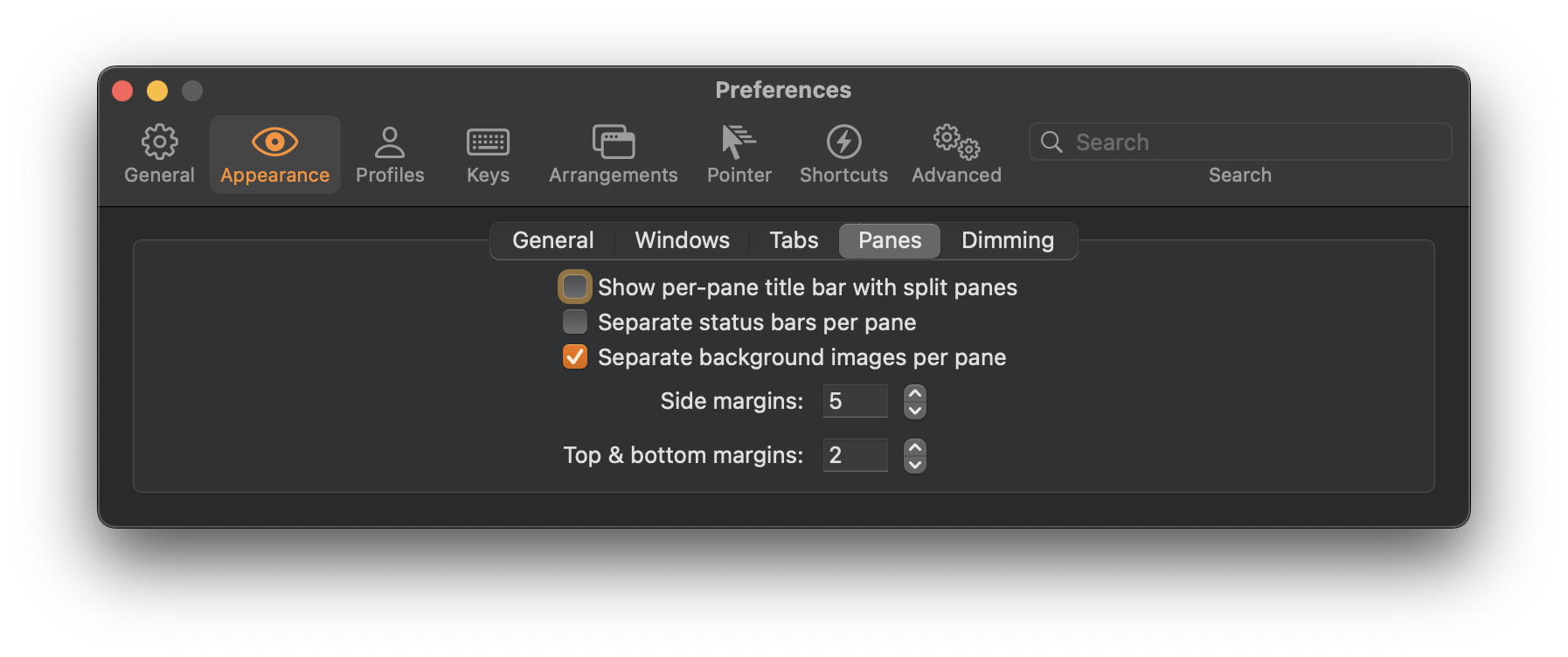
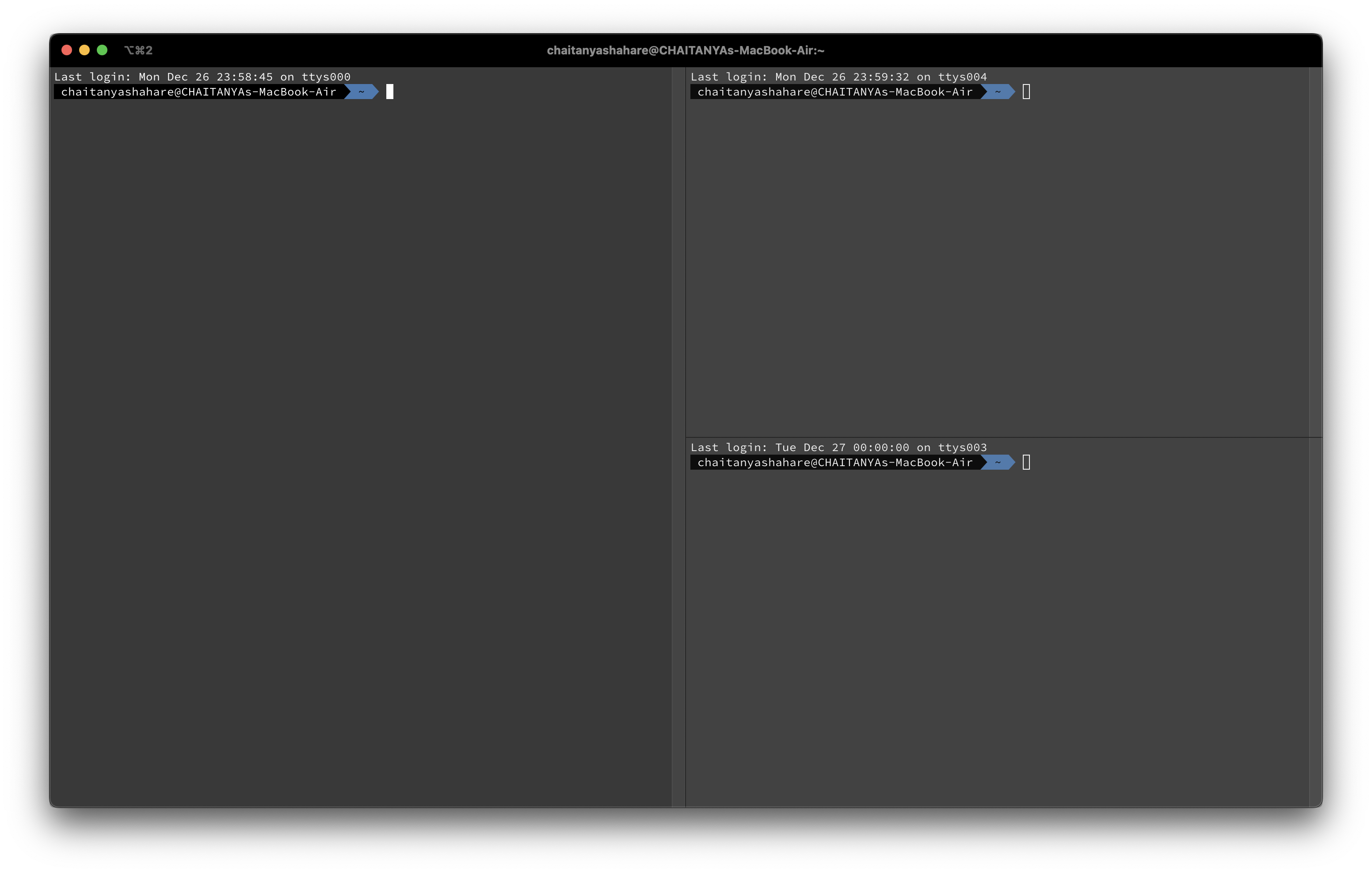
StepsIterm2 preferences -> Appearance -> Panes -> toggle off show per-pane title barBeforeAfterOther tipsSplit pane shortcutsCmd + d - for splitting window verticallyCmd + Shift + d - for splitting window horizontallyReferencesIterm2 DocumentationPreviousHow to learn TouchtypingNextHow to Make MacOS Terminal Beautiful With Background ImageCATALOGFEATURED TAGSBackend Bash Bittorrent Cli Coaching Consistency Corne Course Correction Discipline Distributed-Systems Editor Feedback Front End Git Github Gitlab Goals Gsoc Habits Homebrew Html Infrastructure Iterm2 Jupyter Keybindings Keyboard Layout Keyboard-Shortcut Keyboard-Shortcuts Learning Linux Llvm Mac Macos Markdown Mechanical Keyboard Mongodb Music Mysql Neovim Networking Nextjs Nginx Node_modules Nodejs Nvim Obsidian Opensource P2p Package-Manager Philosophy Productivity Python React Reactjs Rebase Safari Searching Self-Improvement Shortcuts Split Keyboard Ssh Systems-Design Terminal Termux Text-Editor Tutorial Ubuntu Utility Vim Vimwiki Virtualenv Vscode Web Development Workflow Youtube Zsh